Walk into any large mall, hospital, or airport, and the hardest part usually isn’t finding the building. It’s finding the right shop, department, or gate once you’re inside. A directory board with a name and an arrow doesn’t always cut it.
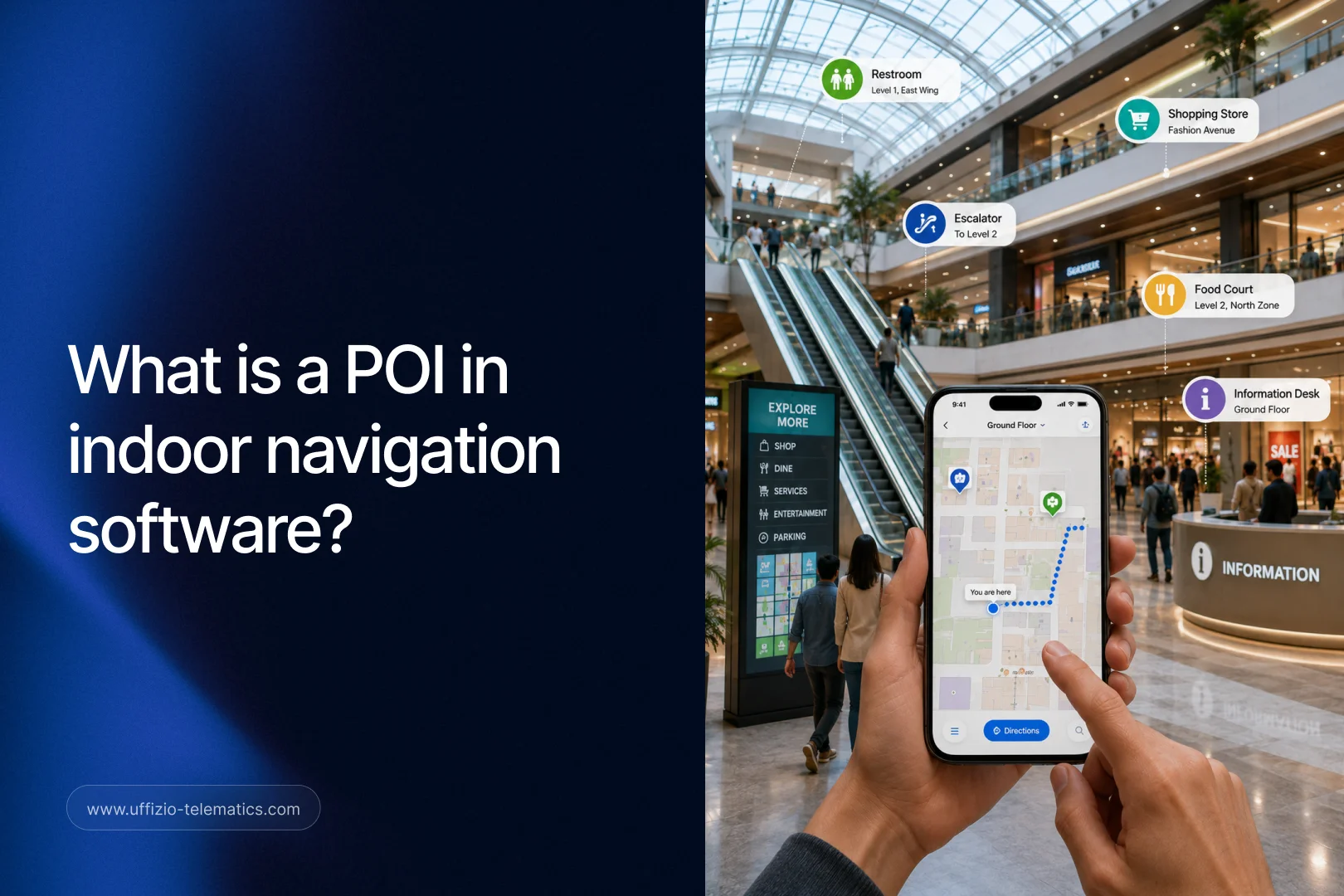
Indoor navigation tools try to solve this, but many stop at the basics: a dot on a map and a label. That’s enough to point someone in the right direction, but it doesn’t answer the questions visitors actually have, like whether a store is even open right now.
Uffizio has been building this out further inside Gridzee, its indoor mapping platform. The latest update focuses on making each location on the map carry more useful, real information.
In Uffizio Gridzee, a Point of Interest (POI) profile is a map entry with up to three images, live operating hours, a description, and tags for the type of location, such as a pharmacy or a store. It turns a simple map marker into a small, useful profile.
For system integrators working on indoor mapping projects, and for resellers pitching Gridzee to malls, hospitals, and retail venues, this is a feature that directly shapes how good the end-user experience feels.
The Problem With Basic Map Markers
A traditional indoor map marker usually shows a name and maybe a category. That’s enough to locate a place, but it leaves out details a visitor might actually need before they walk over.
Is the pharmacy open right now? Does the store carry what they’re looking for? Is this the food court entrance or the loading dock? Basic markers can’t answer any of that.
This gap pushes visitors to ask staff for directions or wander until they find what they need, both of which slow people down and create a worse experience, especially in large or unfamiliar buildings.
For venues like hospitals, where visitors are often stressed or in a hurry, this gap matters even more. A department that shows as “open” on paper but is actually closed for lunch can send someone to the wrong place at the wrong time.
What’s Included in a POI Profile Now
A Point of Interest profile in Gridzee now includes several pieces of information that used to be missing from a basic marker.
Up to three images give a visual preview of what a location actually looks like, which helps visitors confirm they’re heading to the right place before they arrive. Real-time operating hours show whether a location is open or closed at that exact moment, not just its general listed hours. A written description gives a bit more context about what the location offers or is used for. Specialized tags mark the type of location, like pharmacy, retail store, restroom, or department, making it easier to search and filter.
Together, these turn a plain marker into something closer to a small business listing, built directly into the indoor map.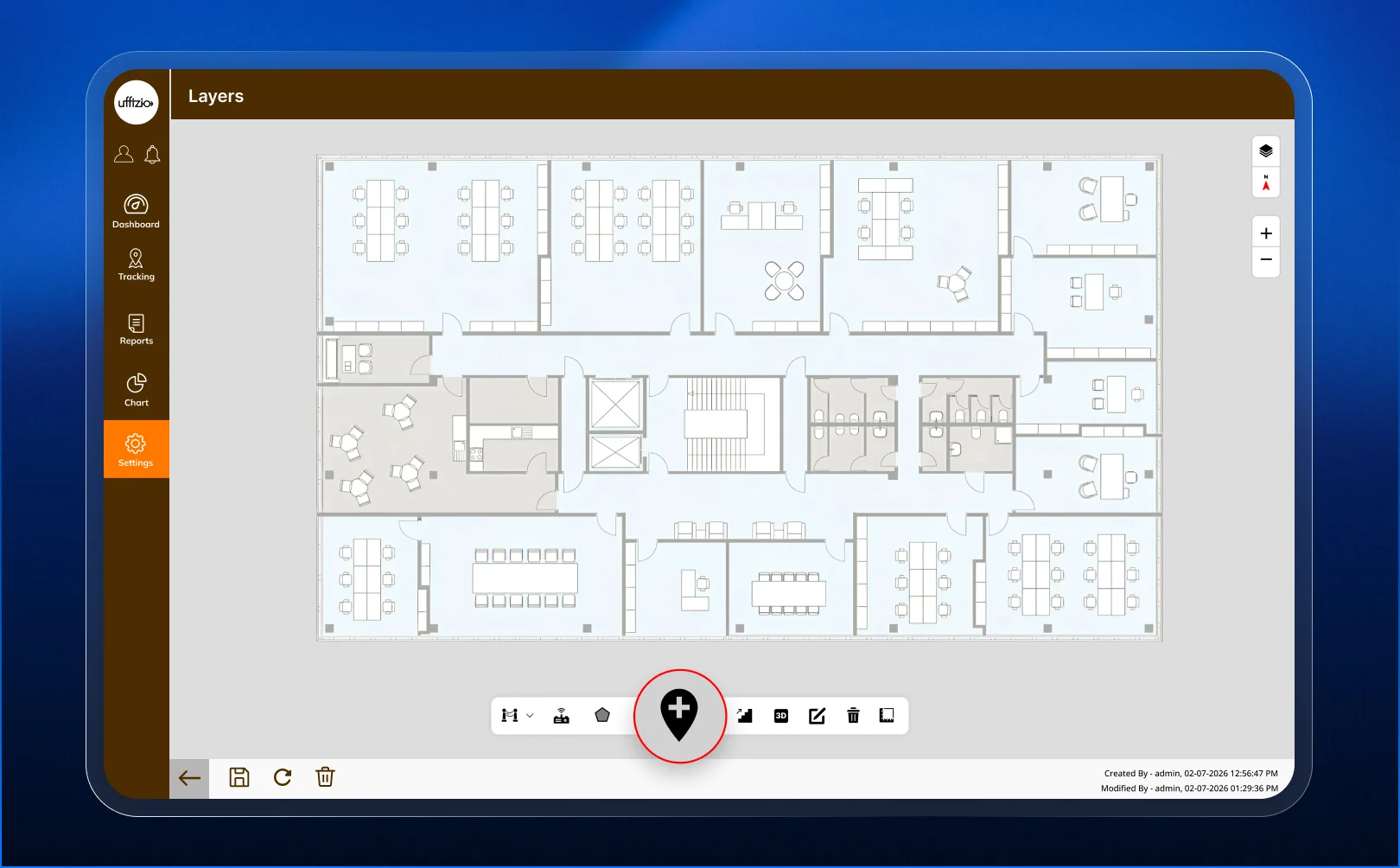
Why Real-Time Operating Hours Matter
Of everything in the new POI profile, real-time operating hours might be the most practical addition. A visitor doesn’t just want to know a location’s usual hours. They want to know if it’s open right now.
This distinction matters in venues with locations that follow different or irregular schedules, like a mall where some stores close earlier than others, or a hospital where certain departments have limited hours on weekends.
Showing accurate, current status prevents wasted trips and frustration. It also reduces pressure on staff, who would otherwise field questions about whether something is open, since the map already answers that.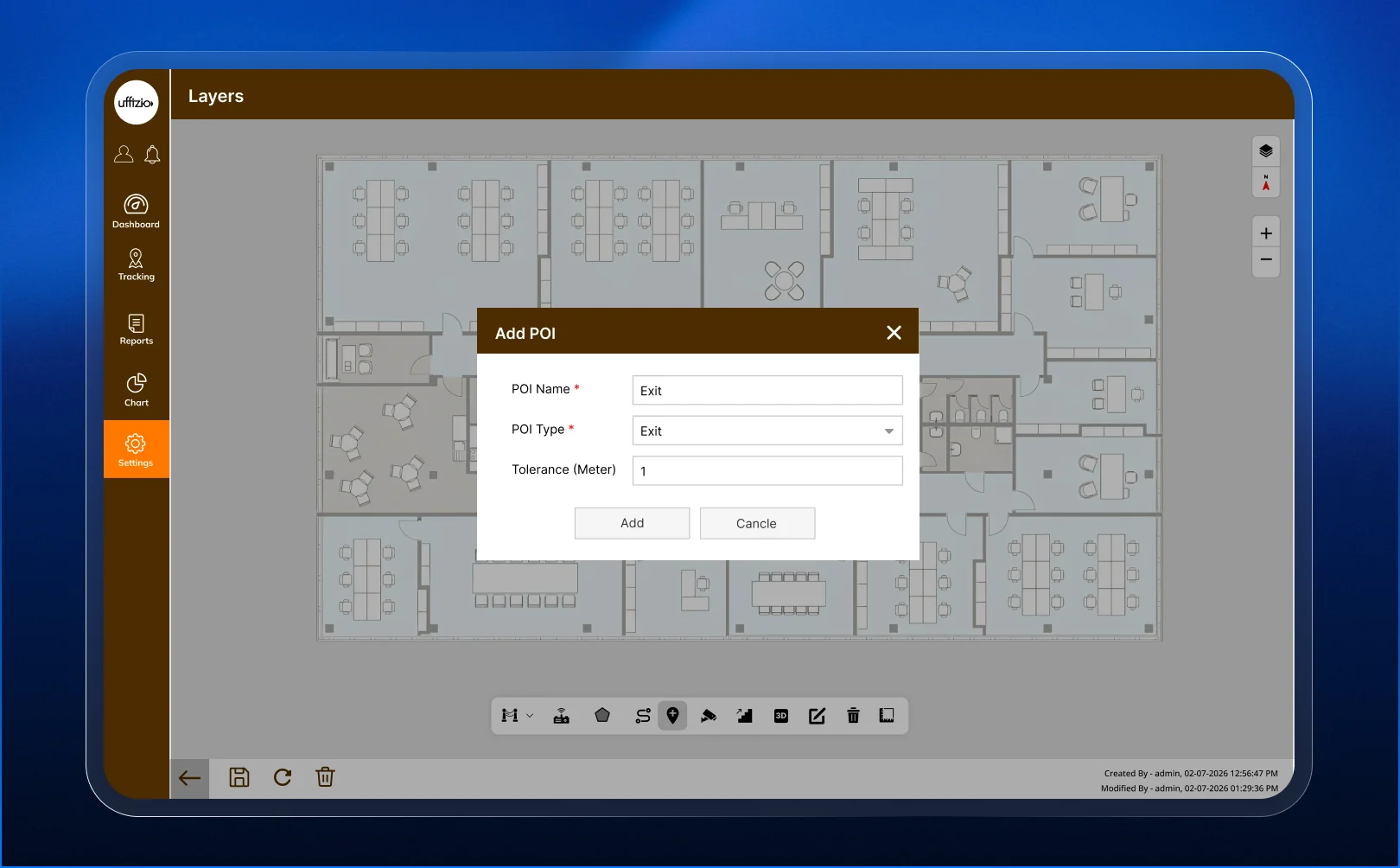
Why This Matters for Healthcare and Retail Environments
Healthcare and retail are two of the environments where indoor navigation gets used the most, and where a richer POI profile makes the biggest difference.
In healthcare settings, patients and visitors are often navigating an unfamiliar building under stress. Clear descriptions, accurate hours, and recognizable images for departments and services reduce confusion at a moment when people have little patience for it.
In retail settings, especially large malls, POI profiles help visitors browse before they even start walking. Someone deciding between a few nearby stores can check hours and get a sense of what each one offers, right from the map, before committing to a direction.
Both environments benefit from the same underlying idea: a map that answers questions on its own, instead of just pointing.
How This Compares to Basic Indoor Map Listings
Many indoor mapping tools still treat a POI as little more than a pin with a name attached. That approach is easy to set up, but it puts all the effort of finding useful information back on the visitor.
Gridzee’s approach shifts that effort onto the map itself. Instead of a visitor searching elsewhere for a store’s hours or trying to remember what a department looks like, that information is already sitting inside the POI profile, ready when they need it.
This difference is easy to demonstrate side by side. A basic marker and a full Gridzee POI profile look noticeably different the moment someone taps on them, which makes the value obvious without needing a long explanation.
What This Means for the End-User Experience
The value of a richer POI profile shows up in small, everyday moments. A visitor who checks a store’s hours before walking across a mall. A patient who sees a photo of a department and recognizes it immediately upon arrival. A shopper who reads a short description and decides a store is worth the detour.
None of these moments are dramatic on their own, but they add up to a navigation experience that feels genuinely useful rather than just functional. For venue owners, that translates into fewer frustrated visitors and fewer questions directed at staff.
It also reflects well on the venue itself. A well-maintained, detailed indoor map signals that a building is organized and up to date, which shapes a visitor’s overall impression of the place.
What This Means for Integrators and Resellers
For system integrators, building out POI profiles is a natural part of setting up a Gridzee indoor map. Adding images, hours, descriptions, and tags fits into the same configuration process used to place POIs on the map in the first place.
This also gives integrators a concrete way to show progress to a client during a project. A map with fully built-out POI profiles looks and feels far more finished than one with plain markers and labels, even if the underlying navigation logic is the same.
For resellers, this is a feature that’s easy to demonstrate visually. Walking a prospective client through a POI profile, showing the images, the live hours status, and the tags, makes a stronger impression than describing the feature in words. It’s the kind of detail that shows up clearly in a demo and sticks with a decision-maker.
It’s also a good way to bring up Gridzee’s other navigation features, like AI route suggestions and enhanced live tracking, since a client interested in POI depth is usually interested in a genuinely capable indoor mapping platform overall.
Frequently Asked Questions
How many images can a POI have in Gridzee?
A POI profile can include up to three images, giving visitors a visual preview of the location.
Does the operating hours feature show real-time status?
Yes. It shows whether a location is currently open or closed, not just its general listed hours.
What kind of tags can be added to a POI?
Tags can describe the type of location, such as pharmacy, retail store, restroom, or department, and are specialized for environments like healthcare and retail.
Do all POIs need a full profile, or is this optional?
It’s optional. Basic markers still work, but a full profile with images, hours, and a description gives visitors more useful information.
Is this feature useful outside of healthcare and retail venues?
Yes, though it’s especially valuable there. Any large indoor space with multiple points of interest, like an airport or a corporate campus, can benefit from richer POI details.
Key Takeaway
Uffizio Gridzee’s enhanced POI profiles turn a simple map marker into a small, useful source of information for visitors. For system integrators and resellers working with healthcare, retail, and other large venues, it’s a visible, easy-to-demo feature that makes an indoor map feel genuinely helpful, not just functional.