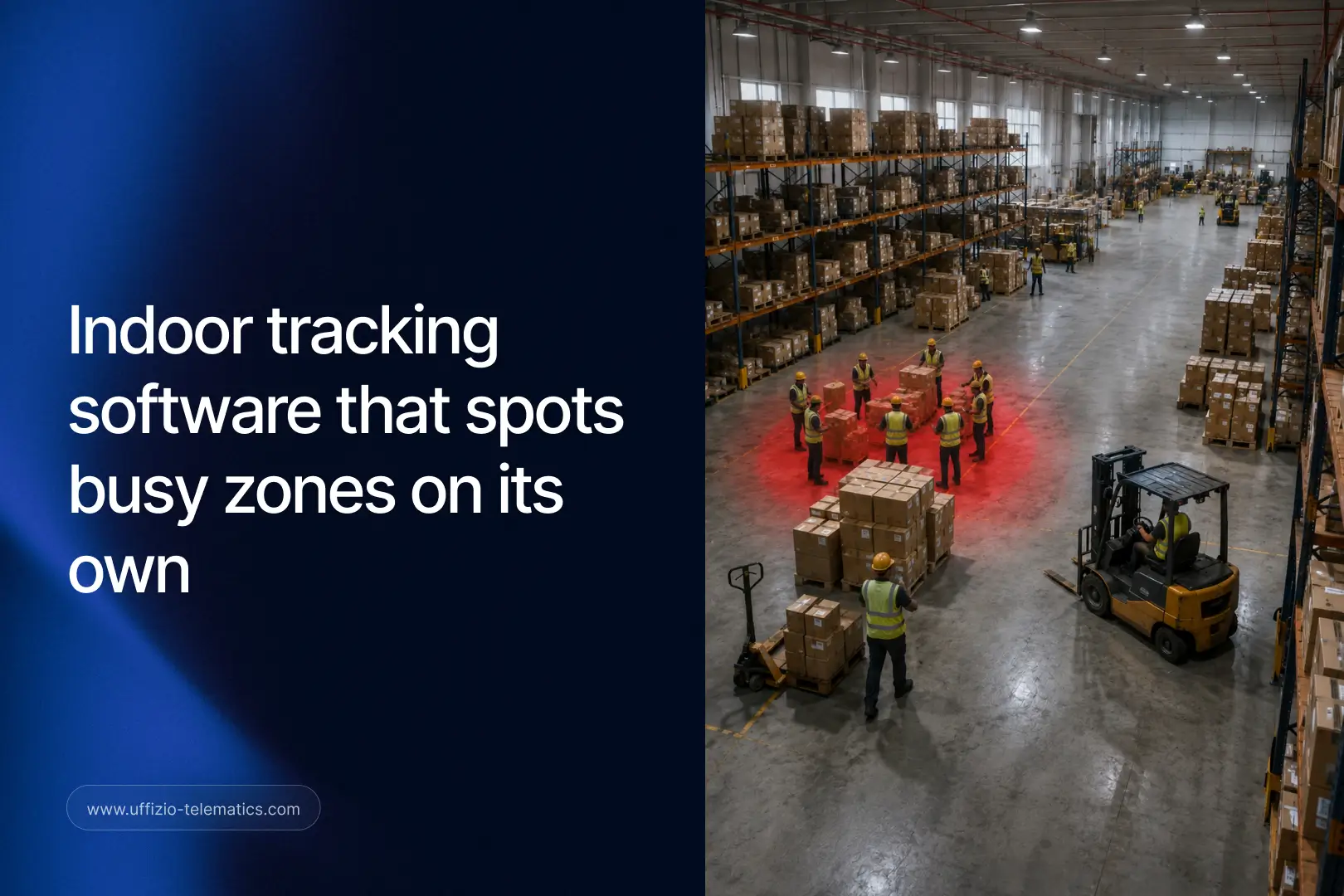
A busy warehouse floor. Hundreds of tags moving at once, people, forklifts, equipment, all in constant motion. Finding the one you actually need used to take real effort. Not anymore.
Gridzee, Uffizio’s indoor tracking software, has just rolled out a major upgrade to its Live Tracking module, adding AI-powered search, smarter visualization, and automatic insight into where the action actually is inside your facility.
Indoor Monitoring Has Outgrown the Basic Dot on a Map
For years, indoor tracking software has done one core job well: show you where people and assets are, inside a building, in real time. That’s still valuable. But as facilities have grown larger and operations busier, simply seeing dots on a floor plan has started to fall short.
A hospital tracking hundreds of pieces of mobile equipment, a warehouse monitoring dozens of staff and vehicles, or a shopping mall keeping tabs on security personnel, all face the same challenge: too much happening at once to watch every single tag manually. Finding the right person or asset quickly, spotting where activity is clustering, and catching an alert the moment it happens all become genuinely difficult once you’re past a certain scale.
Gridzee’s latest update to Live Tracking exists specifically to solve that problem, by adding intelligence on top of the raw location data indoor tracking software has always provided.
Smart Search and Focus Mode
The upgrade starts with something deceptively simple: the ability to instantly search for and jump to a specific tag. Instead of scanning a crowded map trying to spot one person or asset among hundreds, you can now search by name or ID and go straight to it.
Focus Mode takes this further. Lock onto one tag, or a small group of tags, and the interface tunes out the visual noise of everything else on screen. For a security team monitoring a specific individual, or a facilities manager tracking a particular piece of equipment through a busy shift, this cuts straight to what matters without extra clicks or filtering steps.
Advanced filters and Object Groups round this out, letting teams organize tags the way their operation actually works, whether that’s by department, shift, equipment type, or zone.
AI Finds Your Busiest Zones for You
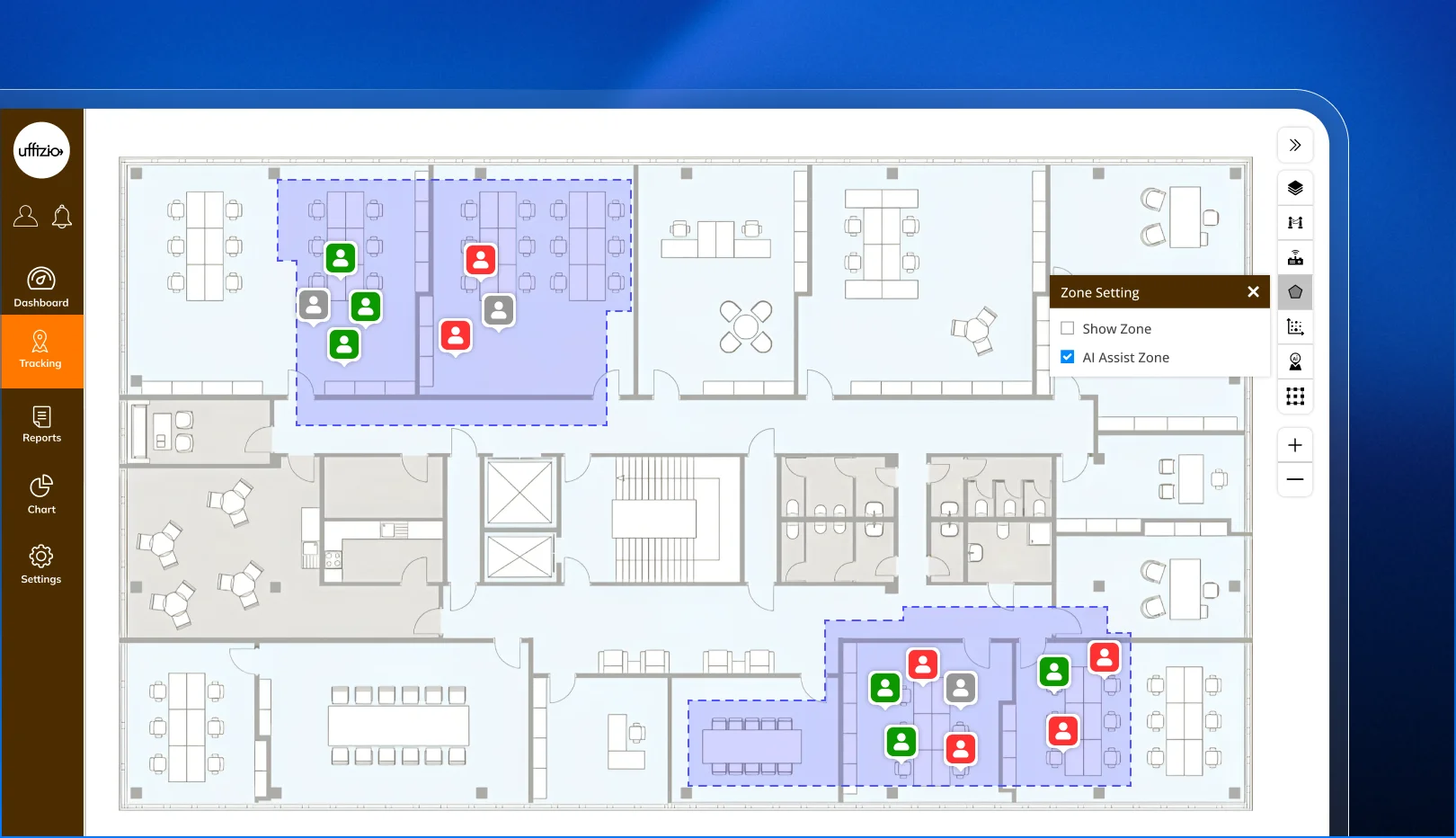
Here’s where this update becomes a genuine leap forward for indoor tracking software, rather than a simple interface refresh. Gridzee’s AI now automatically identifies Zones of Interest, based on real crowd movement patterns across your facility.
Instead of a facilities manager manually reviewing movement logs to figure out where congestion or unusual activity is building up, the AI surfaces those high-activity areas on its own. This is genuinely new territory for indoor tracking: the software isn’t just recording where things are, it’s actively noticing patterns a human might take much longer to spot, or might miss entirely during a busy shift.
Movement Trails and Instant Replay
Visual alerts for SOS signals, prolonged inactivity, and low battery events now appear directly on the live map, so nothing requires digging through a separate alerts panel to notice. Movement trails show the recent path a tag has taken, giving immediate context without needing to manually pull up a history.
One-click replay of historical movement rounds this out, letting a facilities or security team reconstruct what happened in a specific area over a chosen time window, with configurable playback controls, all without leaving the live tracking screen.
A Real Shift, Before and After
Consider a large hospital using Gridzee to track mobile medical equipment across multiple floors. Before this update, a nurse looking for an available infusion pump during a busy shift had to open the live map, manually scan through dozens of tags scattered across several floors, and often call around to different departments simply to locate one piece of equipment.
Now, with Smart Search, that same nurse types the equipment ID and is taken directly to its current location on the map. If several pumps are needed and none show as immediately available, Focus Mode narrows the view to just that equipment category, cutting through everything else on the floor plan.
Meanwhile, the facilities team monitoring overall hospital activity uses AI-detected Zones of Interest to notice, without any manual analysis, that a particular ward has seen unusually high foot traffic during the past two hours, prompting a quick check on whether additional staff or equipment support is needed there.
What used to require manual searching, cross-departmental calls, and after-the-fact pattern spotting now happens through the interface itself, in real time.
Why This Matters Beyond Convenience
It’s tempting to view faster search and cleaner visuals as simply a nicer user experience. The impact runs deeper than that.
For facilities where every minute matters, hospitals, large warehouses, and busy transit hubs among them, the time saved locating a person or asset directly affects operational outcomes. A faster equipment search in a hospital can mean a faster response to a patient need. Faster identification of a security concern in a mall can mean a faster, better-coordinated response.
AI-detected Zones of Interest also open a new category of insight that indoor tracking software hasn’t traditionally offered: proactive awareness of where activity is building, rather than only reactive awareness after something has already happened. For operations teams managing large or complex indoor spaces, this shift from reactive to proactive monitoring is exactly the kind of capability that separates a basic tracking tool from genuinely useful indoor tracking software.

Where to Find It
This upgraded Live Tracking experience is now live across Gridzee, Uffizio’s indoor tracking software, for facilities already using the platform. No separate setup is required to access Smart Search, Focus Mode, movement trails, or visual alerts. AI-detected Zones of Interest begin surfacing automatically as the system observes movement patterns across your facility.
Part of a Bigger AI Push Across Uffizio
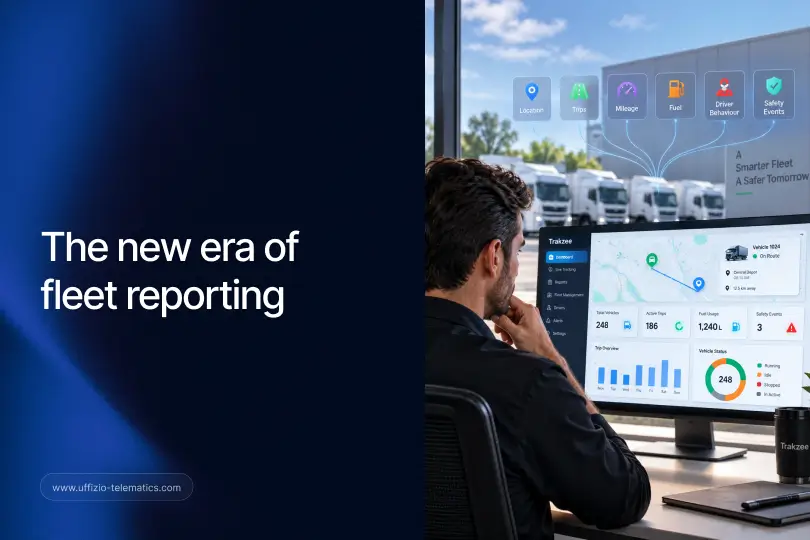
This update to Gridzee’s indoor tracking software mirrors a similar shift happening on the outdoor side of Uffizio’s business, inside Trakzee, its fleet management software. Trakzee’s new AI Priority Feed filters hundreds of fleet alerts down to the three that matter most each hour. Gridzee’s AI now does something conceptually similar indoors, surfacing the zones and patterns that actually deserve attention, instead of leaving a facilities team to watch every tag manually.
The common thread across both products is a move away from tools that simply display data, toward software that actively helps you interpret it. Whether you’re managing vehicles on the road or people and assets inside a building, the value isn’t just in seeing more information. It’s in seeing the right information first.
For organizations already using both Trakzee and Gridzee, this shared direction means a more consistent experience across outdoor and indoor operations, with AI playing a growing role in both.
Frequently Asked Questions
Do I need new hardware or tags to use these features?
No. This update works with your existing Gridzee indoor tracking setup and tags already deployed across your facility.
How does the AI decide what counts as a Zone of Interest?
It analyzes real crowd movement patterns across your facility over time, surfacing areas of unusually high or unusual activity without requiring manual configuration.
Can I turn off AI-detected Zones of Interest if my team doesn’t need them?
The core Smart Search and Focus Mode features work independently, so teams can use as much or as little of the AI-driven insight as fits their workflow.
Is this available for facilities with multiple buildings or floors?
Yes. Gridzee’s Live Tracking, including Smart Search and Zones of Interest, works across multi-floor and multi-building facilities configured within the platform.
Does this update affect how tags are set up or configured?
No. Existing tag setup and configuration remain the same. This update focuses entirely on how location data is visualized and searched within Live Tracking.
Key Takeaway
The future of indoor tracking software isn’t just about knowing where everything is. It’s about instantly understanding what’s happening, and Gridzee’s new AI-powered Live Tracking brings that kind of understanding directly into the tool your team already uses every day.