When reviewing a vehicle trip, the goal is rarely to simply replay the route. Most users open Playback because they are trying to answer a question. Why was a delivery delayed? Why did a vehicle remain stationary at a particular location? Why did a driver spend more time on a route than expected?
Playback has always been one of the most useful tools for finding these answers. It helps users visualize vehicle movement, review routes, and understand what happened during a journey. However, there has always been one piece of information that users often needed alongside the event itself: its duration.
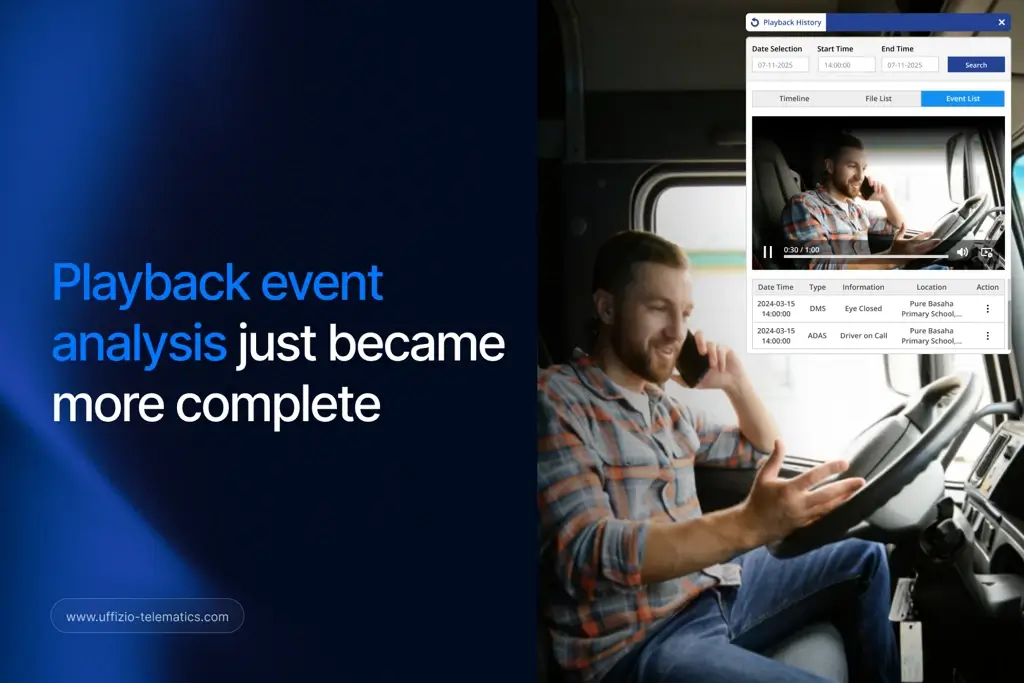
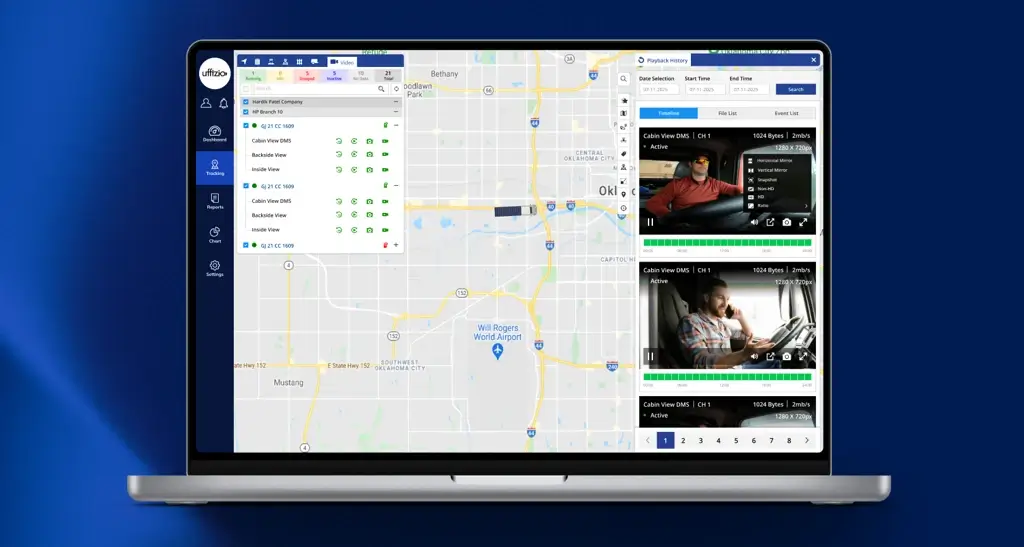
To make Playback even more insightful, event duration is now displayed directly within the Playback event timeline. Users can instantly see how long a stoppage, idling event, or other activity lasted while reviewing the trip. In addition, the complete event timeline, including duration details, can be exported to Excel for further analysis and reporting.
At first glance, this may seem like a small enhancement. But when you consider how frequently Playback is used to investigate trips and answer operational questions, its value becomes immediately clear.
Why Duration Matters During Trip Analysis
Imagine you are reviewing a delivery vehicle’s journey after a customer reports a delay. As you go through the Playback timeline, you notice several stoppage events along the route. Without additional context, all of those events appear equally important.
Now imagine seeing the duration of each event directly in the timeline.
You immediately discover that most stops lasted only a few minutes, while one stoppage continued for nearly forty minutes. Instead of investigating every event individually, you can quickly focus on the one that likely affected the delivery schedule.
This is why duration plays such an important role in playback event analysis. The event itself tells you what happened, but the duration helps you understand its impact. Together, they provide a much clearer picture of vehicle activity.
The same principle applies to idling events, route reviews, and operational investigations. A short event may simply be part of normal operations, while a longer event may require attention. Having that information readily available helps users identify what matters most without spending extra time searching for details elsewhere.
Keeping Investigations Inside Playback
One of the biggest challenges during trip analysis is maintaining context.
Many users start their investigation in Playback because it provides a visual representation of the journey. However, when additional information is needed, they often have to switch to separate reports, search for the relevant event, compare timestamps, and then return to Playback to continue their review.
While this process works, it interrupts the investigation flow.
Every time a user moves between screens, valuable time is spent locating information rather than analyzing it. For organizations managing large fleets, these small interruptions can add up quickly over the course of a day.
With duration now available directly within the Playback timeline, users can access more information without leaving the screen they are already working on. The result is a smoother and more focused investigation process where attention remains on understanding vehicle activity rather than navigating between reports.
Faster Answers to Everyday Questions
Fleet operations generate questions every day.
Why did the vehicle arrive late?
Why was fuel consumption higher than expected?
Why did the driver spend extra time at a particular location?
Why was the vehicle inactive during a critical part of the route?
Answering these questions requires more than simply identifying events. Users need context that helps explain what actually happened.
Duration provides that context.
When users can instantly see how long an event lasted, they can identify patterns more quickly and reach conclusions with greater confidence. Instead of collecting information from multiple sources, they can focus on interpreting the data already available in Playback.
This not only speeds up investigations but also helps teams respond faster when customers, managers, or stakeholders need answers.
A Better Way to Analyze Stoppages and Idling
Stoppages and idling are among the most frequently reviewed events in fleet operations. Both can provide valuable insights into vehicle utilization, driver behavior, route efficiency, and overall operational performance.
However, the significance of these events often depends on their duration.
For example, a stoppage lasting two minutes may be completely normal during a delivery route. A stoppage lasting forty-five minutes could indicate an operational issue that needs investigation.
Similarly, occasional idling may be unavoidable in certain situations. Extended idling, on the other hand, can contribute to increased fuel consumption and unnecessary operating costs.
By displaying duration alongside these events, Playback provides a more complete understanding of vehicle behavior. Users no longer need to make assumptions based solely on the event type. Instead, they can evaluate events using both occurrence and duration, leading to more informed decisions.
Making Event Reporting Easier
Investigations often do not end once the cause of an issue is identified.
Many organizations need to document findings, share information with customers, prepare internal reports, or analyze historical trends. In these situations, having access to detailed event data becomes just as important as the investigation itself.
To support these requirements, users can export the complete event timeline, including duration details, into Excel.
This makes it easier to organize information, perform deeper analysis, and share findings with relevant stakeholders. Whether the goal is reviewing operational performance, investigating customer concerns, or maintaining records for future reference, having duration data included in exported reports simplifies the entire process.
Instead of gathering information from multiple sources, users can work with a complete timeline that already contains the details they need.
Why This Matters for System Integrators
For system integrators, the value of a tracking platform is often measured by how effectively it helps customers solve operational challenges.
Customers want answers quickly. They want tools that are easy to use and workflows that do not require unnecessary effort. Small improvements that save time during daily operations can have a significant impact on the overall user experience.
Duration visibility within Playback is a good example of this.
It does not introduce a completely new workflow. Instead, it improves an existing one by making important information more accessible. Customers can investigate trips faster, understand events more clearly, and reduce their dependence on separate reports.
As a result, system integrators can offer a more efficient and user-friendly experience while helping customers get greater value from the platform.
Playback Is Evolving Beyond Route Replay
Playback has long been viewed as a tool for reviewing where a vehicle traveled and what happened during a journey. Today, expectations are changing.
Users are looking for tools that not only show events but also help explain them. They want context, clarity, and faster access to information that supports decision-making.
By bringing duration insights directly into the Playback timeline, the platform moves one step closer to that goal. Users can now review events, understand their significance, and continue their analysis without relying on multiple reports or disconnected workflows.
This makes Playback more than a route replay tool. It becomes a more complete environment for trip investigation and operational analysis.
Final Thoughts
The most valuable insights are often hidden in the details.
Seeing that a vehicle stopped, idled, or triggered an event is useful. Understanding how long that event lasted is what provides the context needed to make informed decisions.
With duration now visible directly within the Playback timeline and available in exported event reports, users can analyze trips more efficiently, investigate issues faster, and gain a deeper understanding of vehicle activity.
Sometimes, the difference between a simple observation and a meaningful insight is just a matter of time.
Explore the Enhanced Playback Experience
Open Playback, review a recent trip, and take a closer look at the event timeline. With duration insights now available alongside every event, understanding vehicle activity has become faster, easier, and more complete than ever before.