Ask any fleet owner what keeps them up at night, and safety comes up before cost.
That’s a shift. A few years ago, fuel bills and vehicle location topped the list. Now it’s: “What happens if something goes wrong with a driver on the road?”
If you sell or install fleet tracking systems, this question is coming your way in every client meeting this year. This blog breaks down the two safety features clients keep asking about, and gives you a simple checklist to spot who needs them most.
Why Driver Safety Is the New Selling Point
Fleet owners used to ask about fuel costs and vehicle location. Now safety comes first.
Here’s why. Accidents cost more than repairs. They cost drivers’ lives, legal trouble, and damaged reputation. A single bad incident can end a transport contract.
So when you sit with a client, don’t just pitch tracking. Pitch peace of mind. That’s what actually closes the deal.
The One-Tap SOS Button
Picture a driver stuck after a breakdown on a lonely road at night. Every second without help feels longer.
A one-tap SOS button changes that. The driver presses it once. A short countdown starts, giving a few seconds to cancel if it was pressed by mistake. If not cancelled, the app sends the driver’s location and details straight to the fleet manager.
The event gets recorded too, so there’s a full history if the client ever needs to review what happened.
Face ID or Driver ID: Let the Client Choose
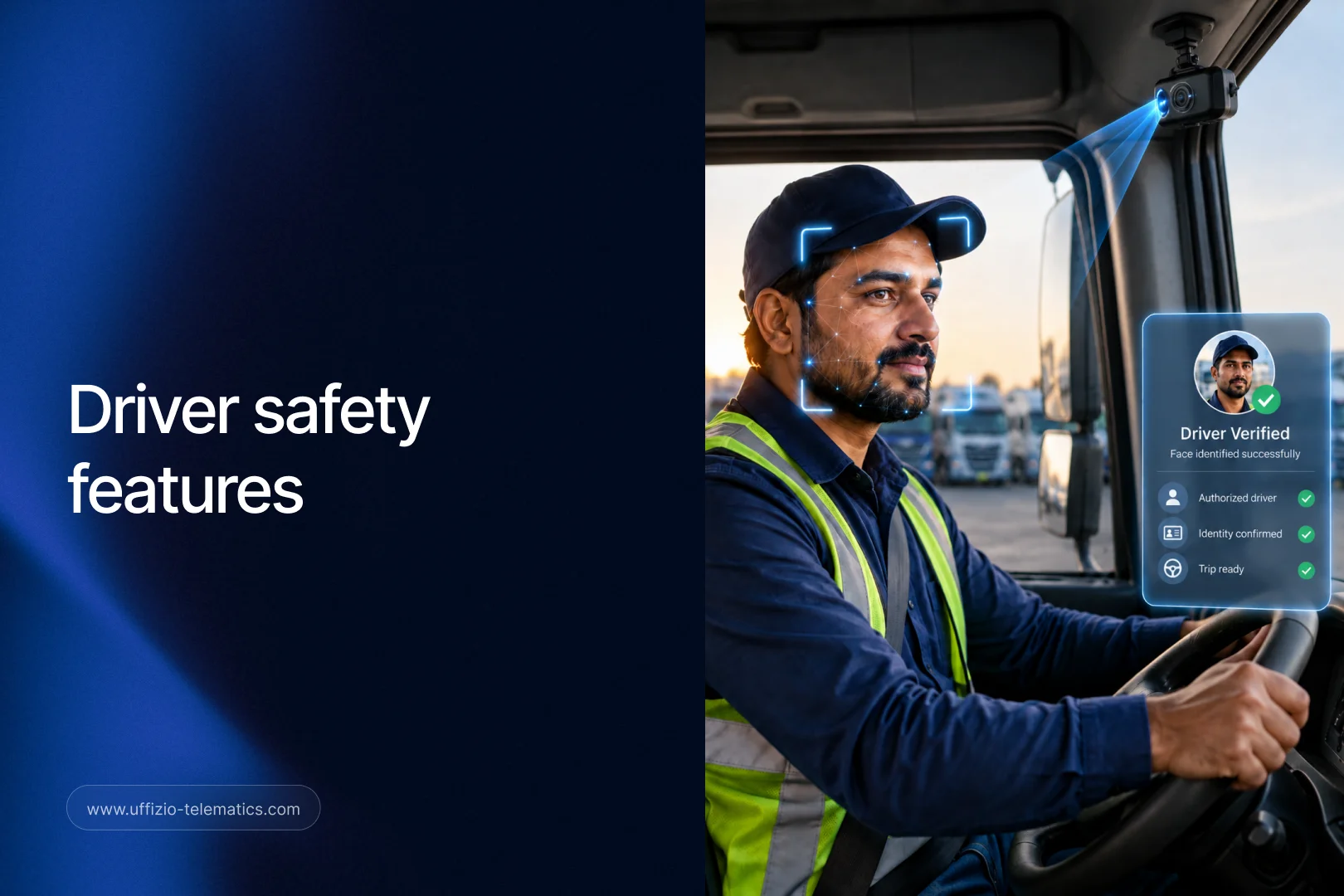
Here’s a real problem fleet owners face. Drivers sometimes swap vehicles, or someone unauthorized takes the wheel. How does a manager know who is actually driving?
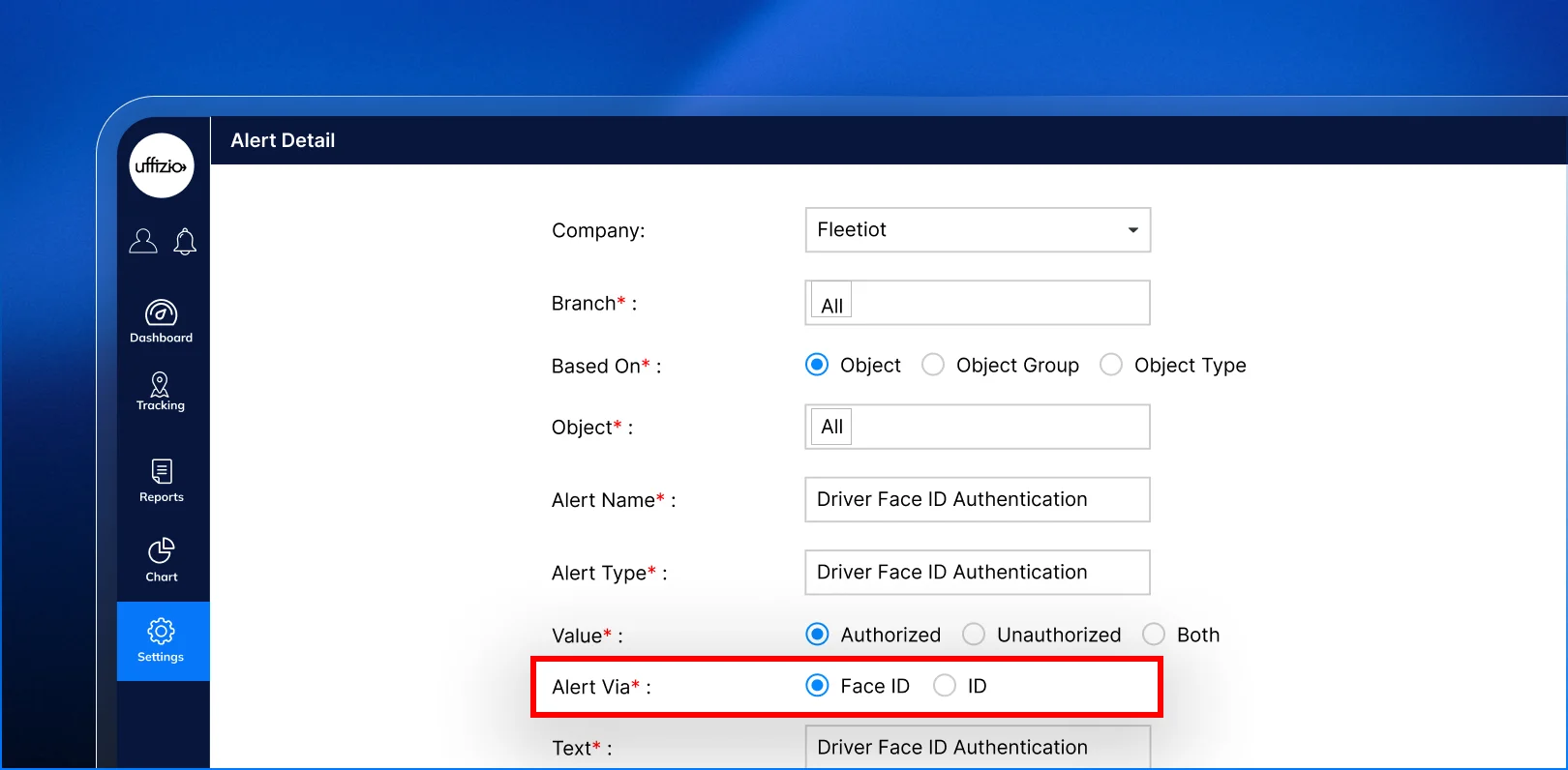
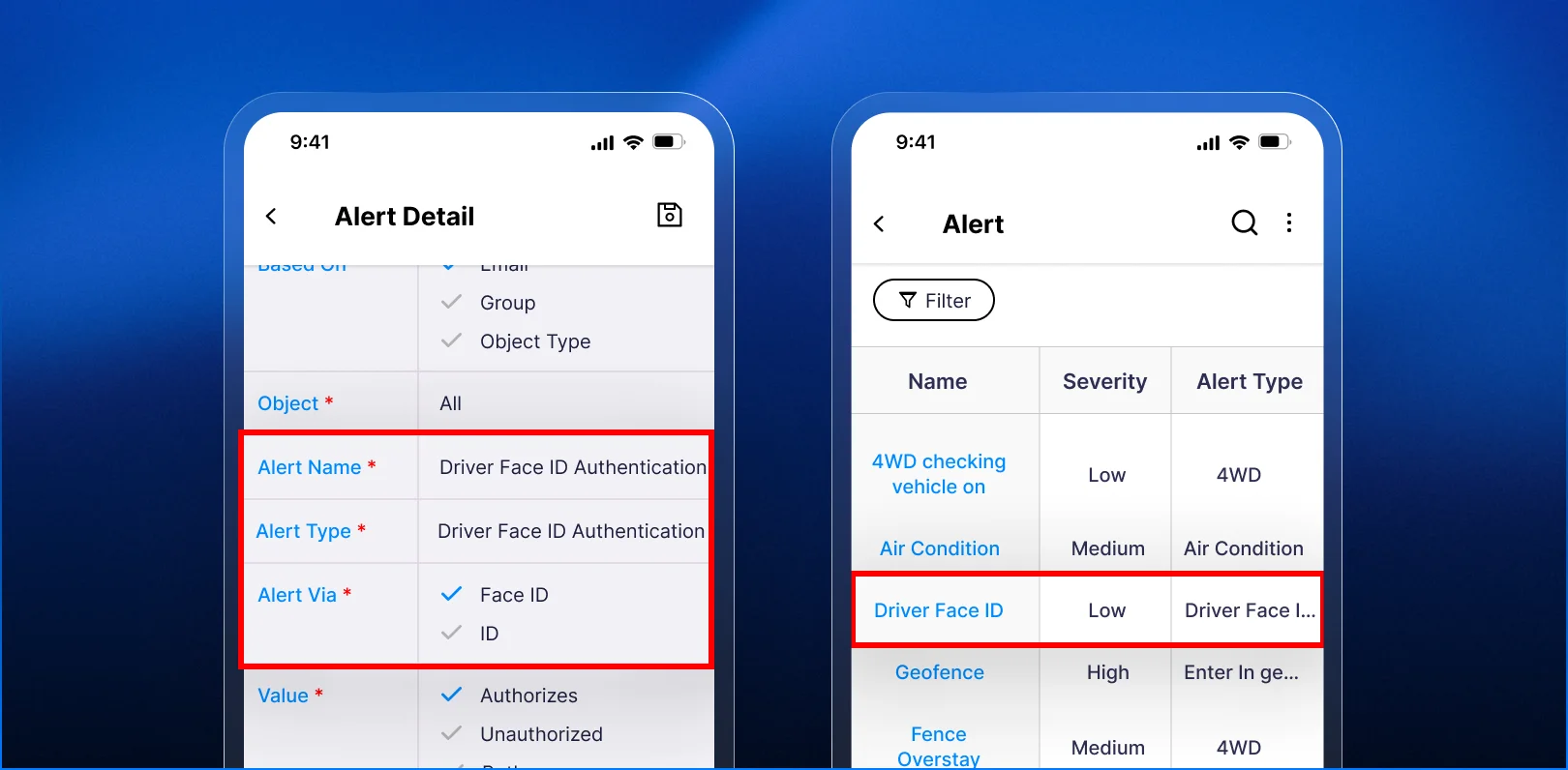
This year’s update gives two ways to check:
- Face ID: the app confirms the driver’s face before the trip starts.
- Driver ID: the driver enters a code or ID number instead.
Some clients run tight security and want Face ID. Others just need a quick, simple check and prefer Driver ID. Now they can pick whichever fits their team.
This flexibility matters when you’re selling to different types of clients. A logistics company with strict compliance rules may want Face ID. A small local fleet may just want something fast and easy. You can offer both without switching products.
Why This Combination Wins Deals
Put these two features together and you get a strong safety story: know who is driving, and get help fast if something goes wrong.
That’s a story fleet owners want to tell their own customers and insurance providers. It’s also a story you can tell every prospect, no matter what kind of fleet they run.
A Quick Checklist for Qualifying Fleet Prospects
Before your next client meeting, ask these questions. The answers tell you exactly which safety features to highlight.
- Have you had any driver safety incidents in the past year?
- How do you currently confirm who is driving a vehicle?
- How long does it usually take your team to respond to a driver emergency?
- Do any of your contracts or insurance policies require proof of driver verification?
- Would your drivers prefer a quick ID check or a face scan?
If a prospect struggles to answer question 3 quickly, that’s your opening. Slow response times are exactly what the SOS button fixes.
How to Bring This Up in a Sales Conversation
Don’t lead with feature names. Lead with the problem.
Try something like this: “If one of your drivers had an accident right now, how would you find out, and how fast?”
Let the client answer. Most will admit the gap. Then show them the SOS button and the driver verification options. You’re not selling software at that point. You’re solving a fear they already have.
Key Takeaway
Fleet clients in 2026 care about driver safety as much as vehicle tracking. The one-tap SOS button and the choice between Face ID and Driver ID give you two simple, easy-to-demo features that speak directly to that concern. Lead with the safety problem, not the feature list, and you’ll close more deals.
FAQ
What is a one-tap SOS button in a fleet app?
It’s a single button drivers press during an emergency. It starts a short countdown, then sends the driver’s location and details to the fleet manager if not cancelled.
What’s the difference between Face ID and Driver ID for fleet safety?
Face ID checks the driver’s face before a trip starts. Driver ID uses a code or ID number instead. Both confirm who is behind the wheel.
Why do fleet clients care about driver verification?
Because unauthorized driving raises safety risks, insurance issues, and compliance problems. Knowing who is driving protects the client’s business and their customers.
Can a fleet client switch between Face ID and Driver ID later?
Yes. The choice is a setting, not a fixed decision. Clients can pick the option that fits their team at any time.
How should I bring up driver safety with a new prospect?
Ask about a real scenario, like how fast they’d know about a driver emergency today. Let the gap in their answer lead into the safety features.